Pack a logic analyzer.
Sixteen channels on one USB-C cable, for a laptop or a Raspberry Pi. It is open source: the board, the FPGA design, the firmware and the software are all published.
measured on the first boards
on each of the 16 inputs
Measured on real boards
The figures that sell a board, such as its speed and its timing, are measured on built boards, and the page says how.
Packed and checked
Each kit lists what is in the box and what is not. Each board passes its test before it ships.
Open where it counts
Boards marked open hardware come with their design files, firmware and software, so you can read them and change them.
Find your kit
Start from what you need to doThe field guide tells you what is wrong with a board. The kit is what you reach for next.
Each kit is one board with what it needs to work on your bench: a datasheet with measured figures, a quick start guide, and software you can script.
The kits
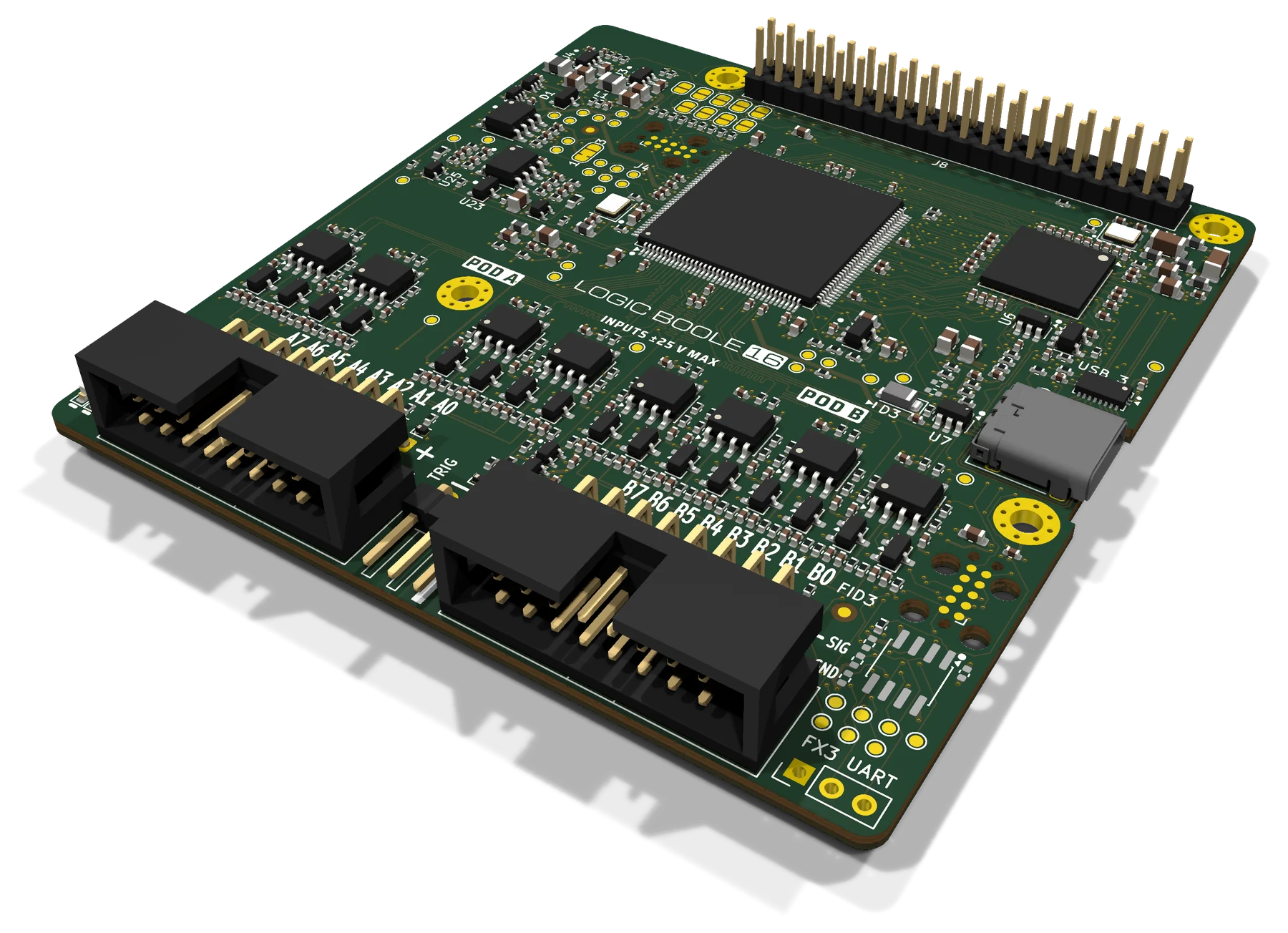
Two boards, both builtLogic Boole 16
A 16-channel logic analyzer on USB 3, for a computer or a Raspberry Pi.
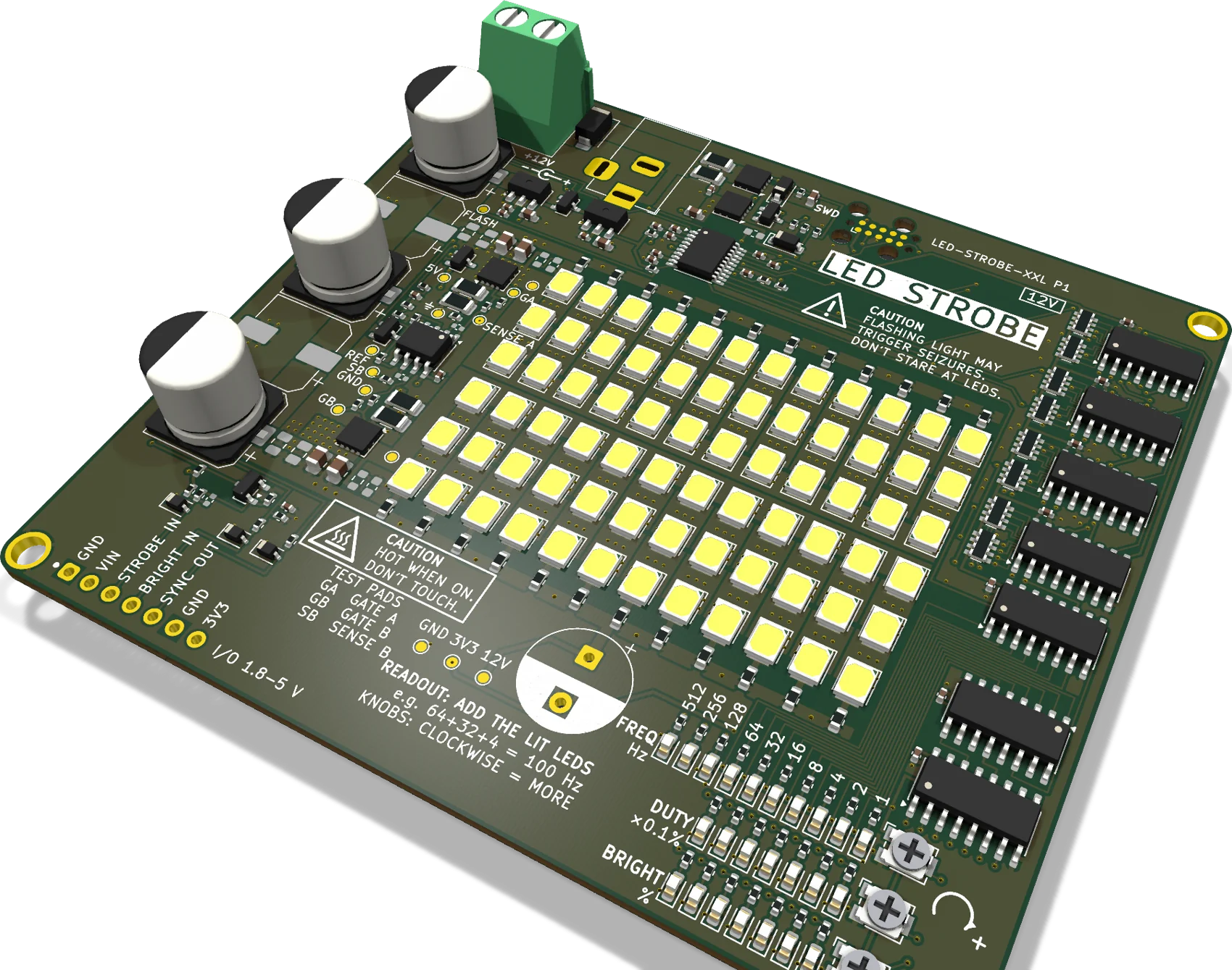
LED Strobe
Three trimmers set the rate, the flash length and the brightness, or a logic pin fires each flash.
Open hardware
Read it, change it, build your ownLogic Boole 16 is published in full.
The KiCad project and the files the boards were made from, the FPGA design, the firmware's source and the host software are in one repository.
From the field guide
Near Field Notes: the notes behind the boardsWhat do a chip fuse, a polyfuse and an eFuse do when a USB port shorts?
Read before you power a board from a laptop.
Note 13 · PowerWhich kind of capacitor should feed a load?
Six parts that store charge, each running the same load.
Note 47 · HistoryWho invented USB-C?
The connector every kit here plugs into.